One touch to ERASE

Erase everything. With a single device.

uWiPeR erases disks, SSDs, USB drives and now Android & iOS phones to international standards, verifies the result, tests phone hardware and hands you an audit‑ready report for every single job.

GDPR ISO/IEC 27001 NIST SP 800‑88
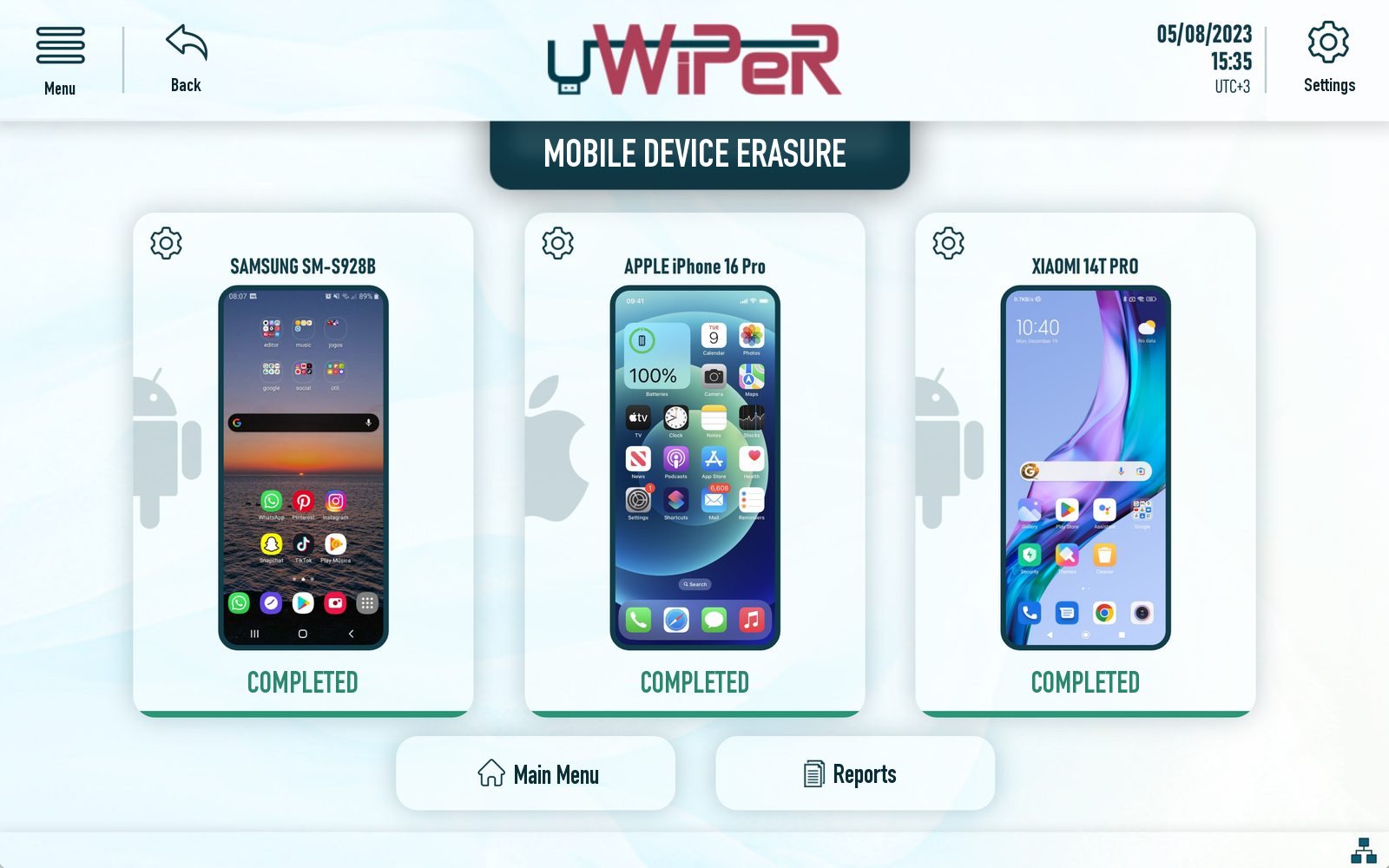
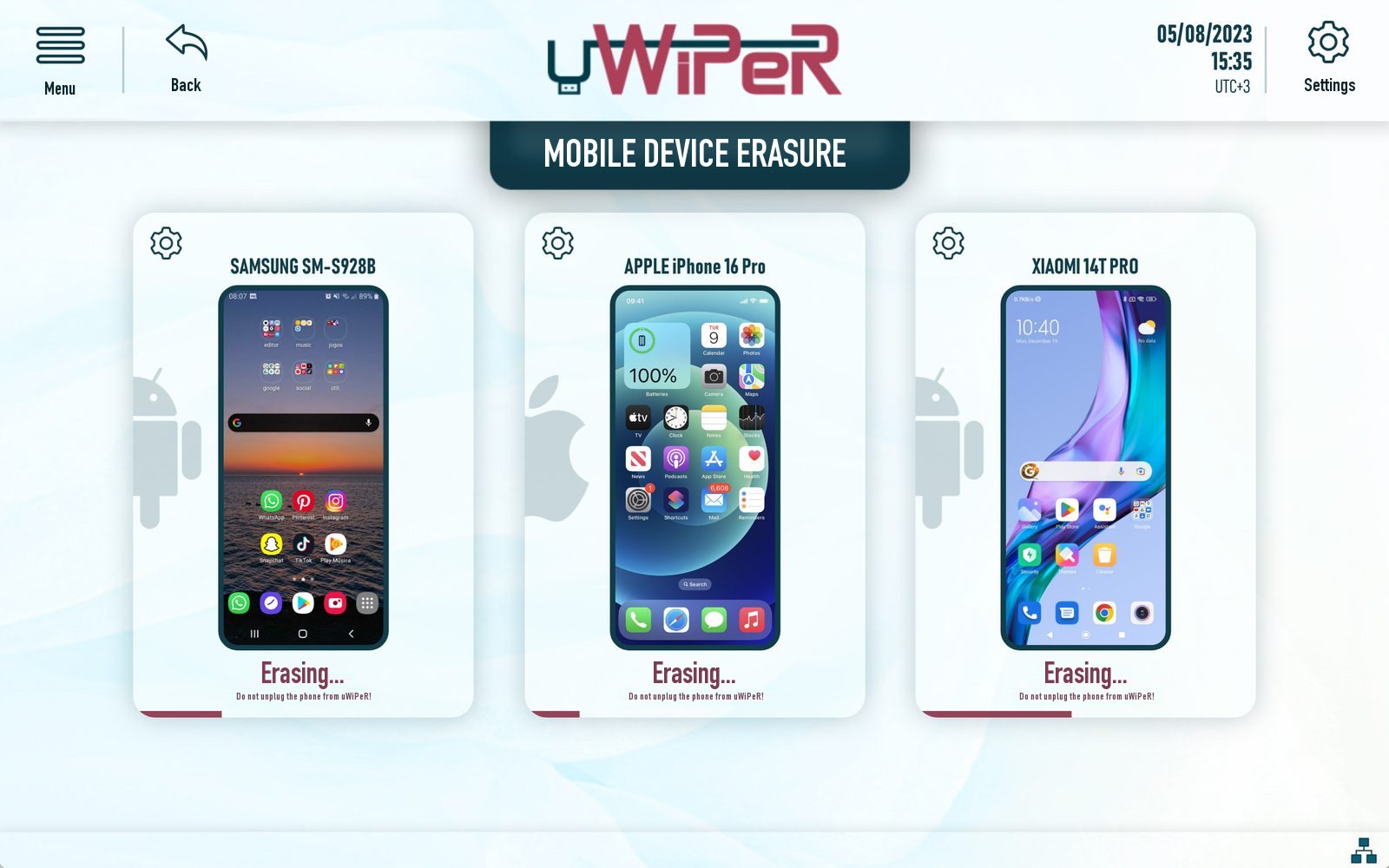
uWiPeR screen: three phones erased side by side and marked completed
New · Mobile erasure
Mobile erasure 3 / 3
Samsung S240%
iPhone 16 Pro0%
Xiaomi 14T Pro0%
Audit‑ready report
Erasure report #UW‑26‑0418
Method
NIST 800‑88
Verification
Passed
Time
2026‑11‑06 15:35
VERIFIED
0
Drives erased at the same time
0MB/s
Erasure speed on USB 3.2
0+
International erasure standards
0 PC
No computer or software installation needed
The real problem

The world's problem isn't erasing data. It's proving that you did.

A deleted file is a missing signpost, not missing data. Auditors, regulators and courts don't ask whether someone pressed delete; they ask for evidence. uWiPeR turns every erasure into a record you can show.

Delete only removes the entry in the file table. Every byte is still on the disk, and free tools bring it back in minutes.

Recoverable with free toolsYes
VerifiedNo
Evidence for the auditorNone
uWiPeR
Report ID
Page 1 / 1

Data Erasure Report

Generated automatically by uWiPeR when the job ends
Device
Serial no.
Capacity
Method
Verification
Started
Finished
Result
Exported as PDF over USB and printed as a thermal label, ready for your audit file.
No proof
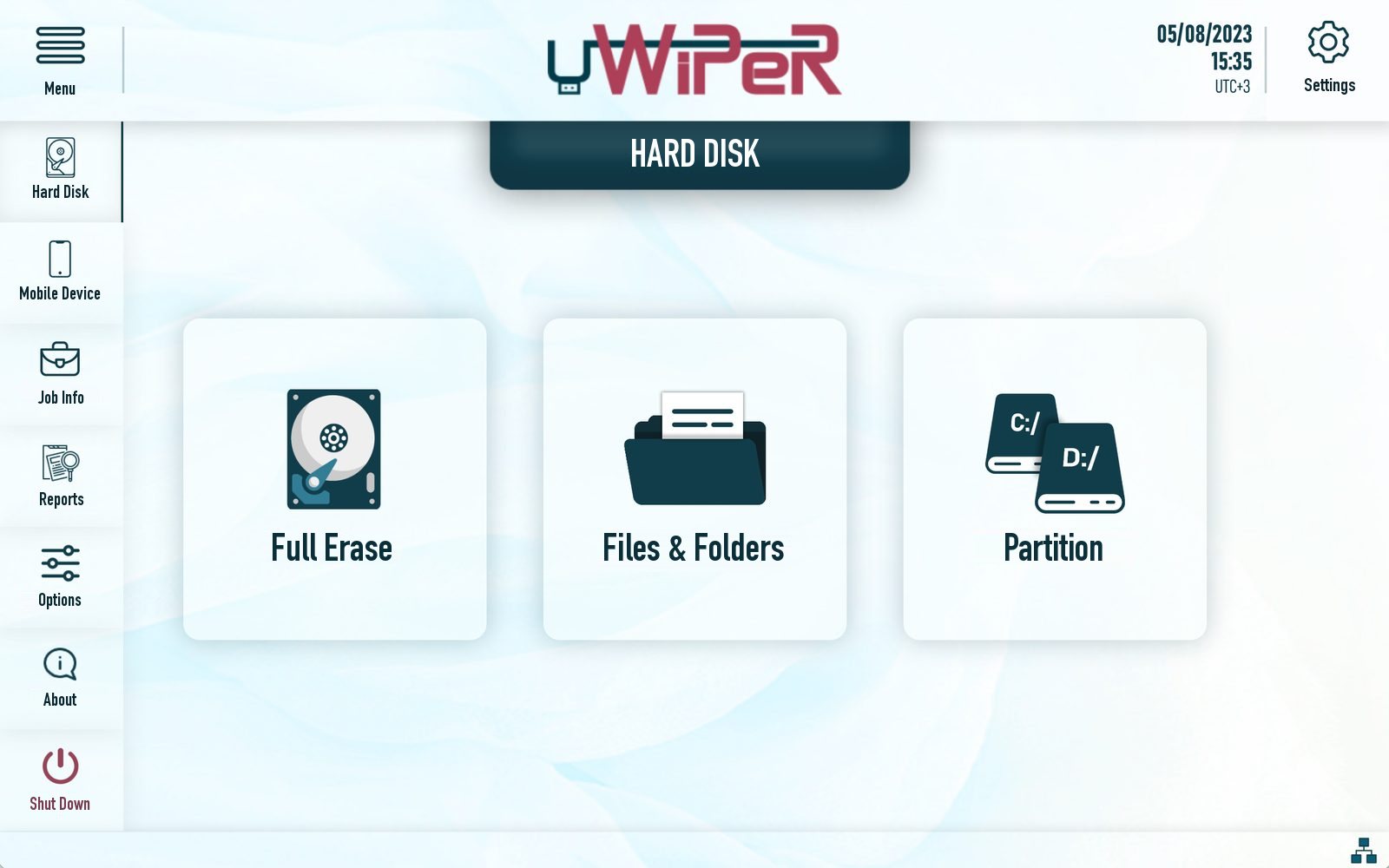
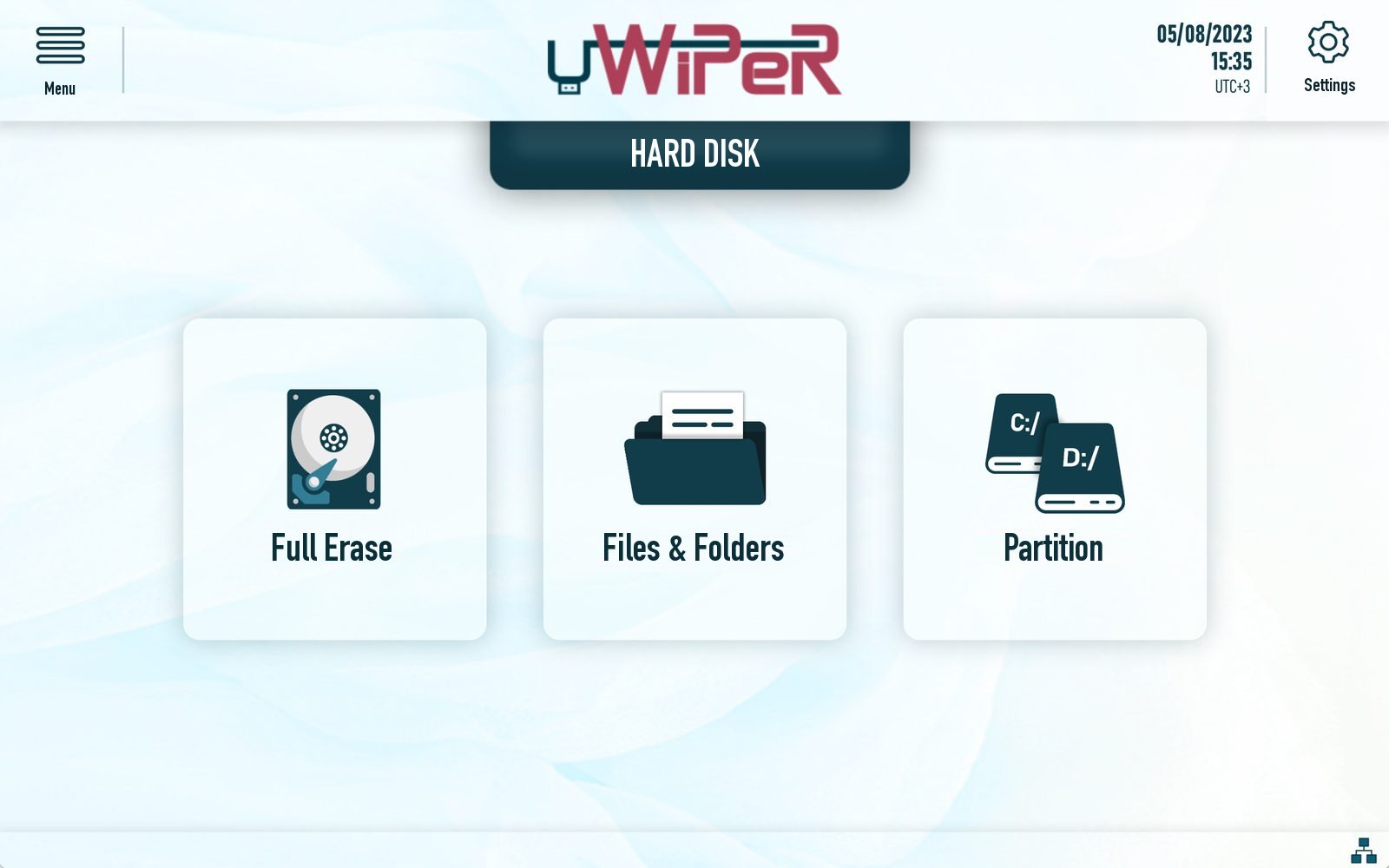
Disk erasure

The whole disk, one partition or just one folder.

Connect up to four 2.5″ / 3.5″ HDDs, SSDs or USB drives, hot‑swap, and erase them at the same time. No PC, no installation, no training.

01 / 03

Full disk

Bit‑by‑bit overwrite of the entire drive, with hidden HPA/DCO areas removed on request.

02 / 03

Files & folders

Erase only what must go and keep the rest of the drive in service. The report lists every item.

03 / 03

Partition

Pick a partition and erase it to standard while the other partitions stay intact.

USB 3.2 × 2
1250MB/s
SATA III × 1
750MB/s
USB 3.0 × 1
625MB/s
Supported media
HDD · SSD · USB
NEW Mobile device erasure

Phones carry the most personal data. Now they get the same proof.

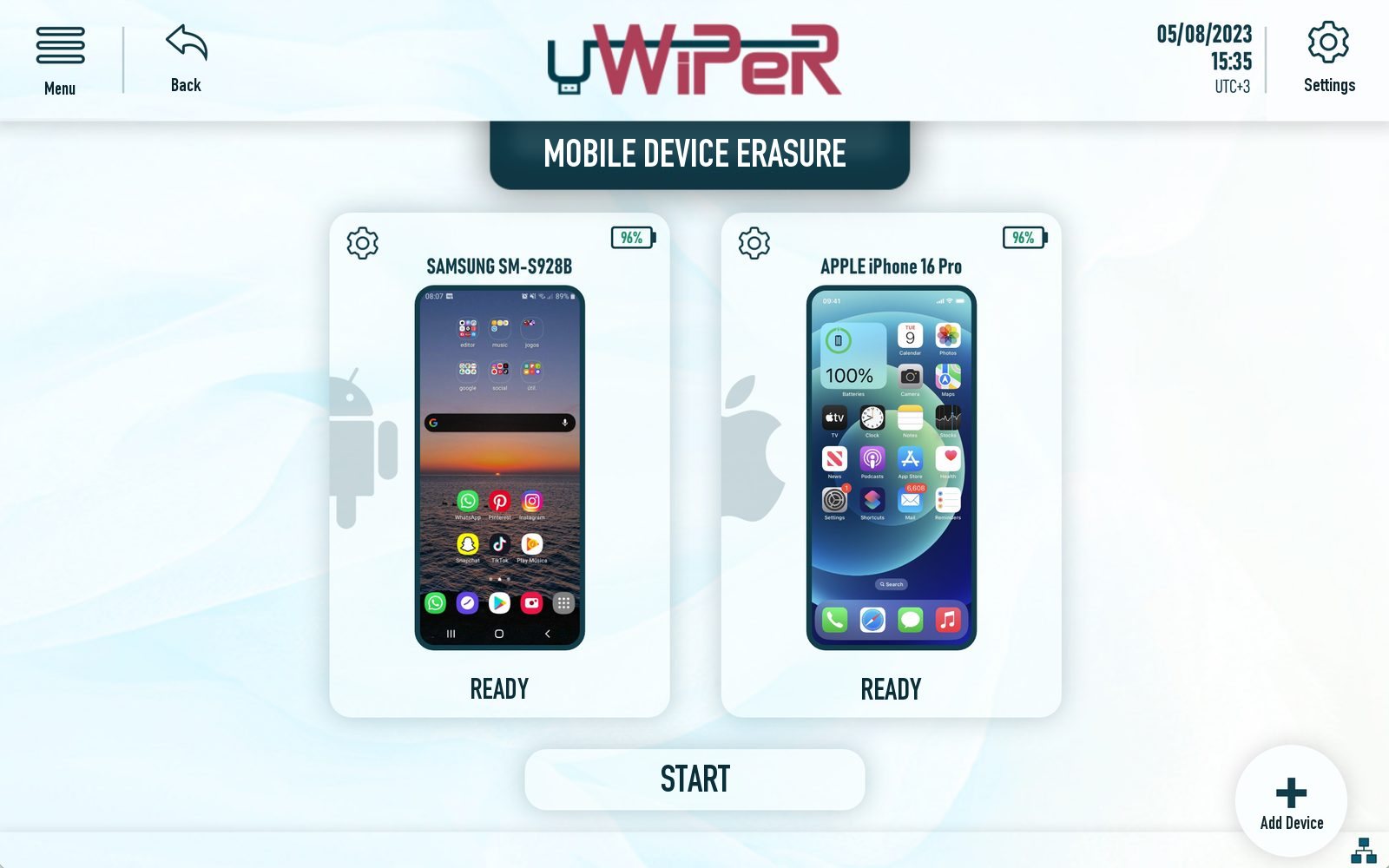
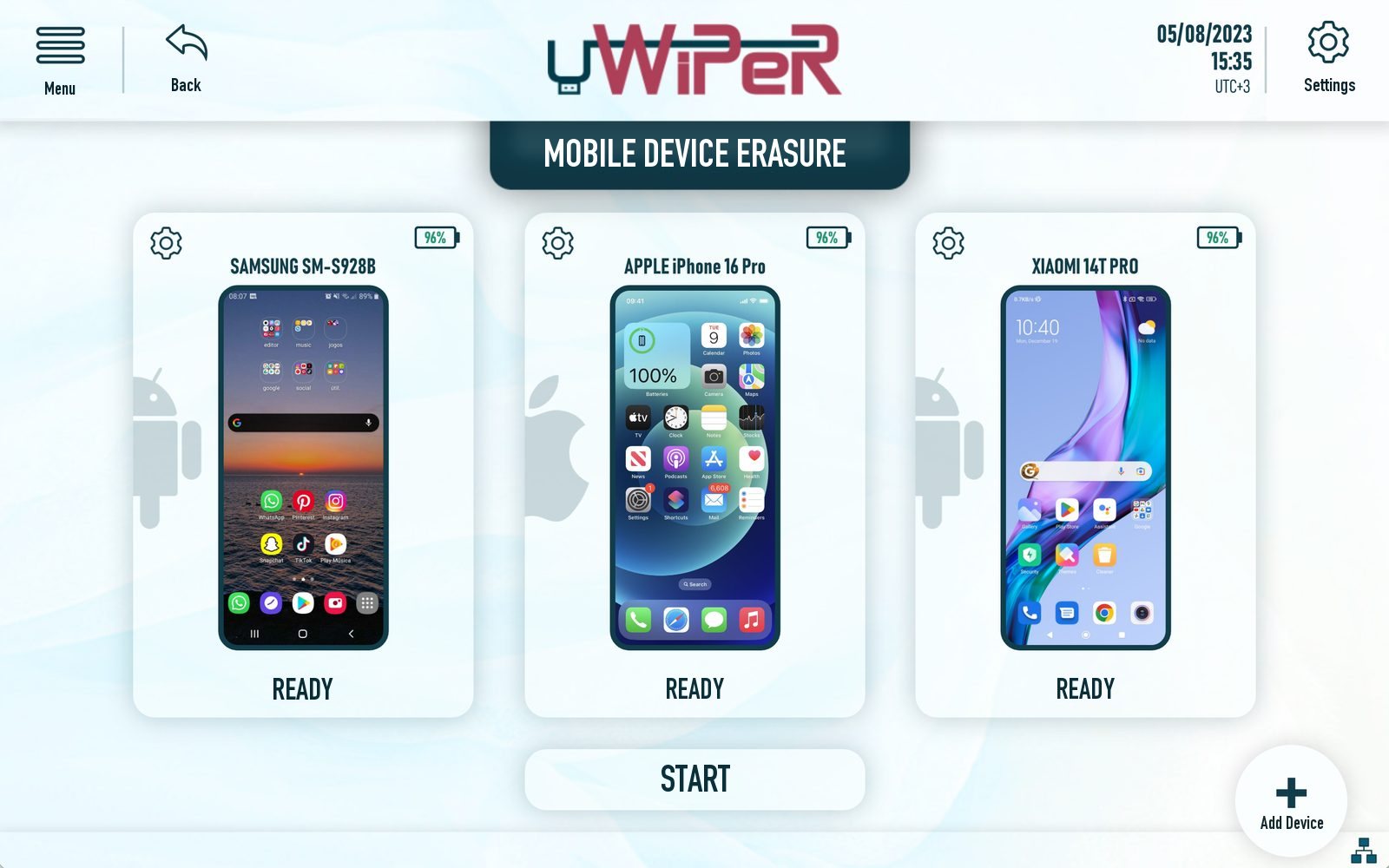
Plug Android and iOS phones straight into uWiPeR and erase several of them side by side. Before anything starts, the device checks what could block a clean, provable erasure.
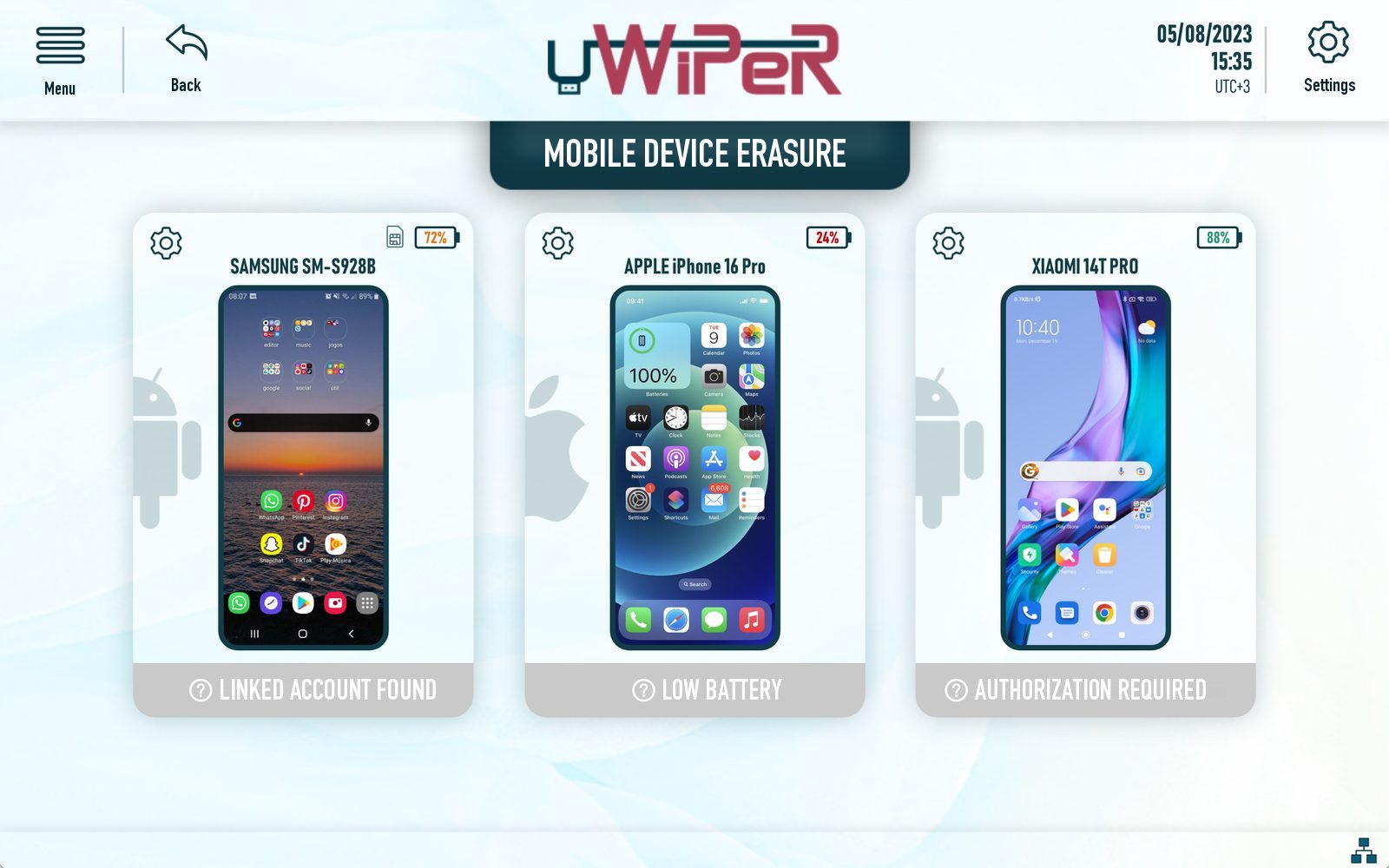
Android iOS eSIM
Connect and detect Pre‑checks Erase Completed and reported
NEWMobile diagnostics

Not just erased. Tested and reported.

uWiPeR also tests the phone's hardware: touchscreen, cameras, microphone, sensors and more. The results go into the device report, so every phone leaves both clean and graded for reuse, resale or return.

  • TouchscreenEvery zone of the panel respondsWaiting
  • CamerasFocus and capture workWaiting
  • MicrophonePicks up and records soundWaiting
  • SensorsReadings from the phone's sensorsWaiting
  • …and more hardware checks, all in the report
Side by sideSeveral phones erased in one job
eSIM erasureRemoves eSIM profiles as part of the job
External storageErases memory cards in the phone too
Hardware diagnosticsTouchscreen, cameras, microphone and sensors
Linked account checkFlags phones still tied to an account
Battery checkStops a low battery from breaking the job
Authorisation checkTells you when the phone needs to trust the device
Per‑device reportMake, model, serial, method and result
Compliance

Regulators don't ask whether you deleted it. They ask you to prove it.

Whether you answer to European or international rules, the question at the audit is the same. uWiPeR gives you the answer on paper.

GDPR: the right to erasure, and the duty to show it

The General Data Protection Regulation makes controllers responsible not only for deleting personal data, but for being able to demonstrate it.

GDPR
GDPR · Art. 17

Right to erasure

People can ask for their personal data to be erased without undue delay, and the controller must do it.

Erase the media that holds the data to a recognised standard, disks and phones alike.
GDPR · Art. 5(2)

Accountability

The controller is responsible for compliance and must be able to demonstrate it.

Every job ends with a report: ID, timestamp, device, method and verification result.
GDPR · Art. 32

Security of processing

Appropriate technical measures are required, including for media that is retired, returned or reused.

Verified overwrite before disposal, resale or reuse, with NIST SP 800‑88 among 11 standards.

ISO/IEC 27001 and the international standards

Information security management systems expect secure deletion to be a controlled, evidenced process, not a habit.

ISO
ISO/IEC 27001:2022 · A.8.10

Information deletion

Information stored in systems, devices and media must be deleted when it is no longer required.

Repeatable erasure jobs with records an ISMS auditor can sample.
ISO/IEC 27001:2022 · A.7.14

Secure disposal or reuse of equipment

Before equipment is disposed of or reused, sensitive data must be removed or securely overwritten, and this must be verified.

Built‑in verification, with the result written into every report.
NIST SP 800‑88 · PCI DSS · HIPAA

Recognised methods

Media sanitisation guidelines and sector rules such as PCI DSS and HIPAA expect a recognised method and a record.

NIST SP 800‑88 Clear and 10 more standards, or your own pattern.

What every report proves

The same record answers the GDPR auditor and the ISO 27001 assessor.

Report IDMake & modelSerial numberCapacityErasure standardPattern & passesVerification resultStart & end timeErasure statusErased files & foldersPDF exportThermal labelDiagnostic results
Erasure standards

11 international standards. Or your own pattern.

Choose the method your policy names. Each standard brings its own pattern, pass count and verification.
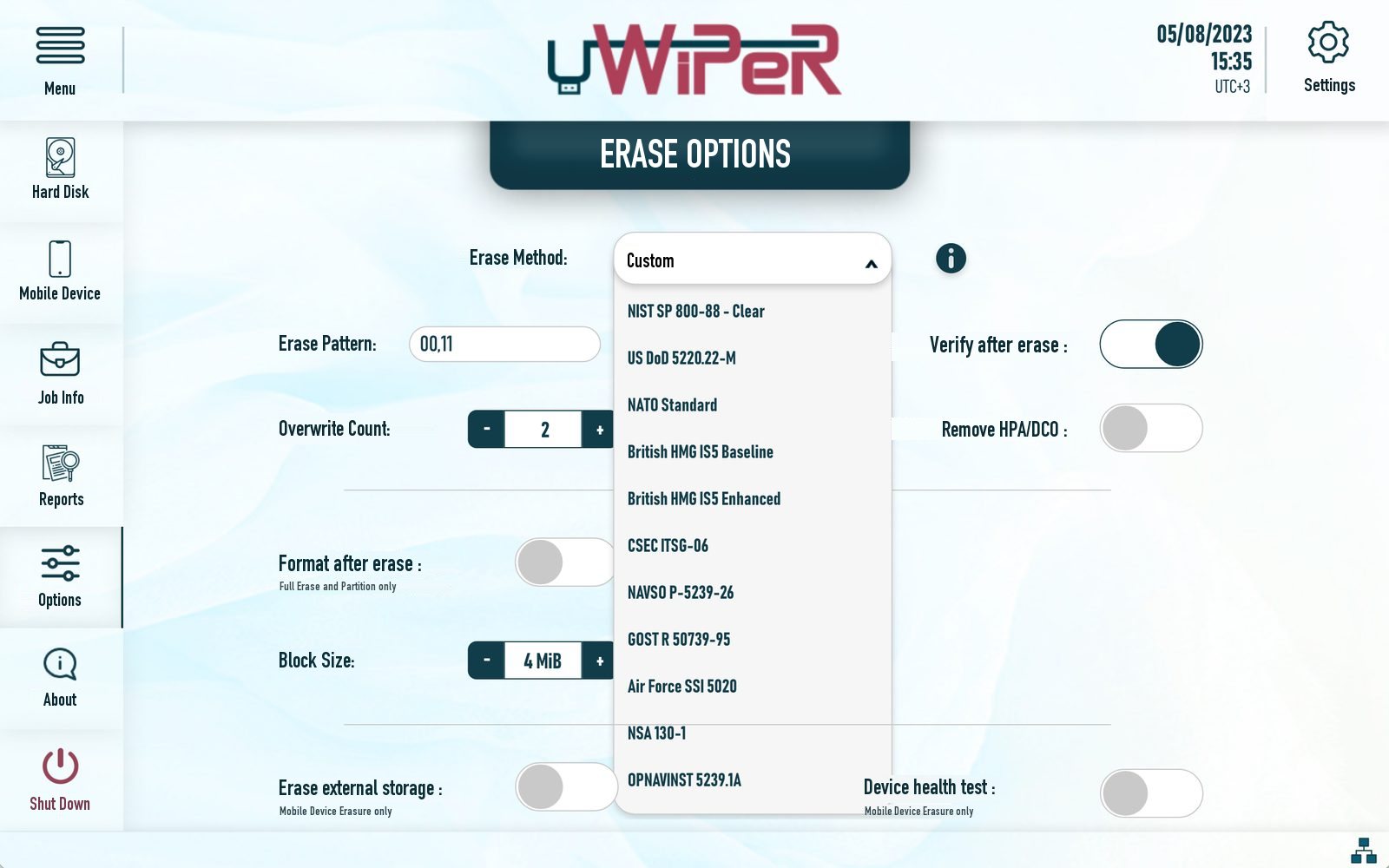
  • NIST SP 800‑88 Clear
  • US DoD 5220.22‑M
  • NATO Standard
  • British HMG IS5 Baseline
  • British HMG IS5 Enhanced
  • CSEC ITSG‑06
  • NAVSO P‑5239‑26
  • GOST R 50739‑95
  • Air Force SSI 5020
  • NSA 130‑1
  • OPNAVINST 5239.1A
  • …and more
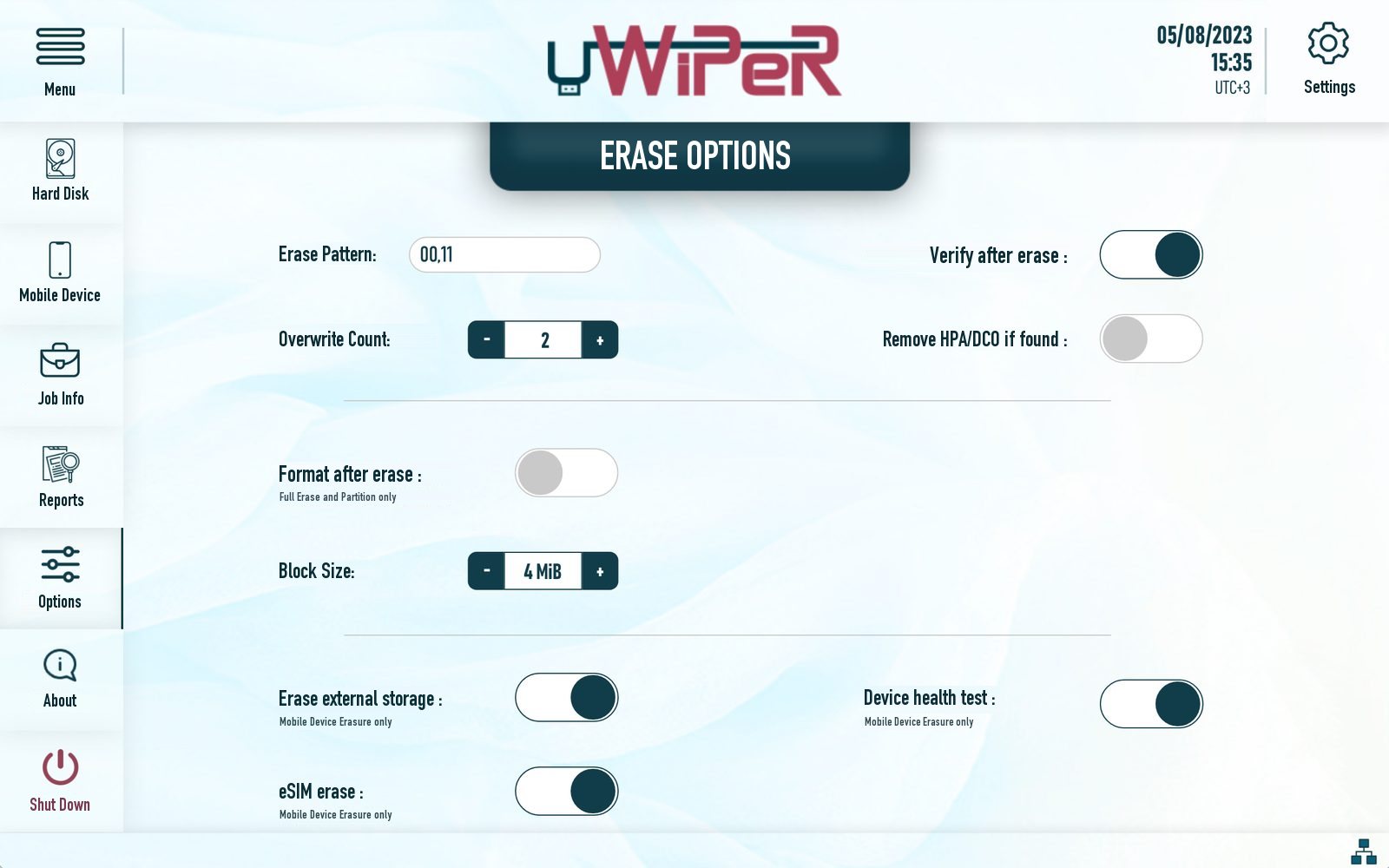
  • Custom pattern: your own bytes, passes and verification
Quick, smart or full verification
Remove HPA / DCO hidden areas
Format after erasure
Adjustable block size
Erase options screen with the list of standards
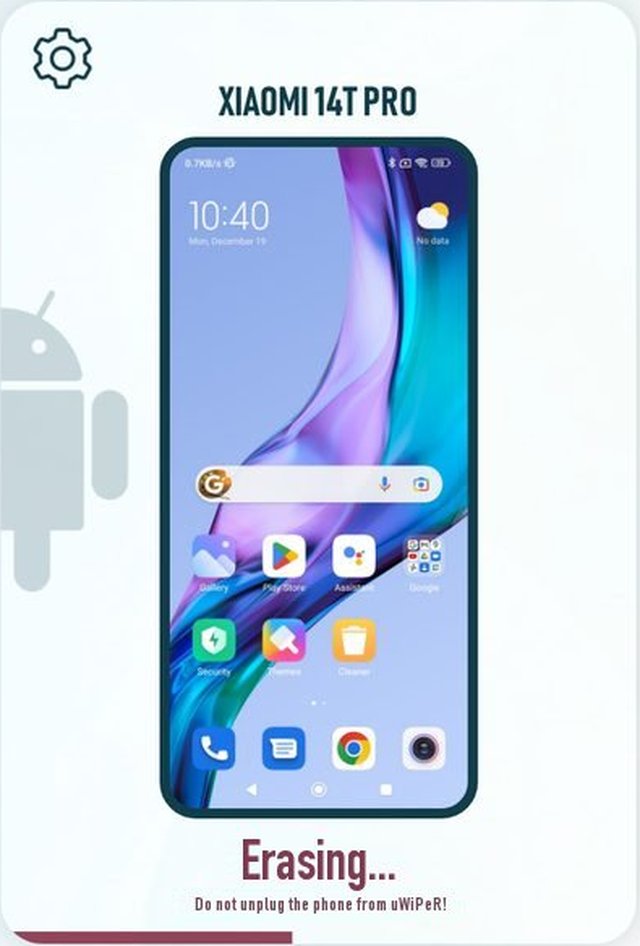
A phone being erased
Screens

A touchscreen that needs no manual.

Large touch targets, clear status at every step, and the same flow for disks and phones.
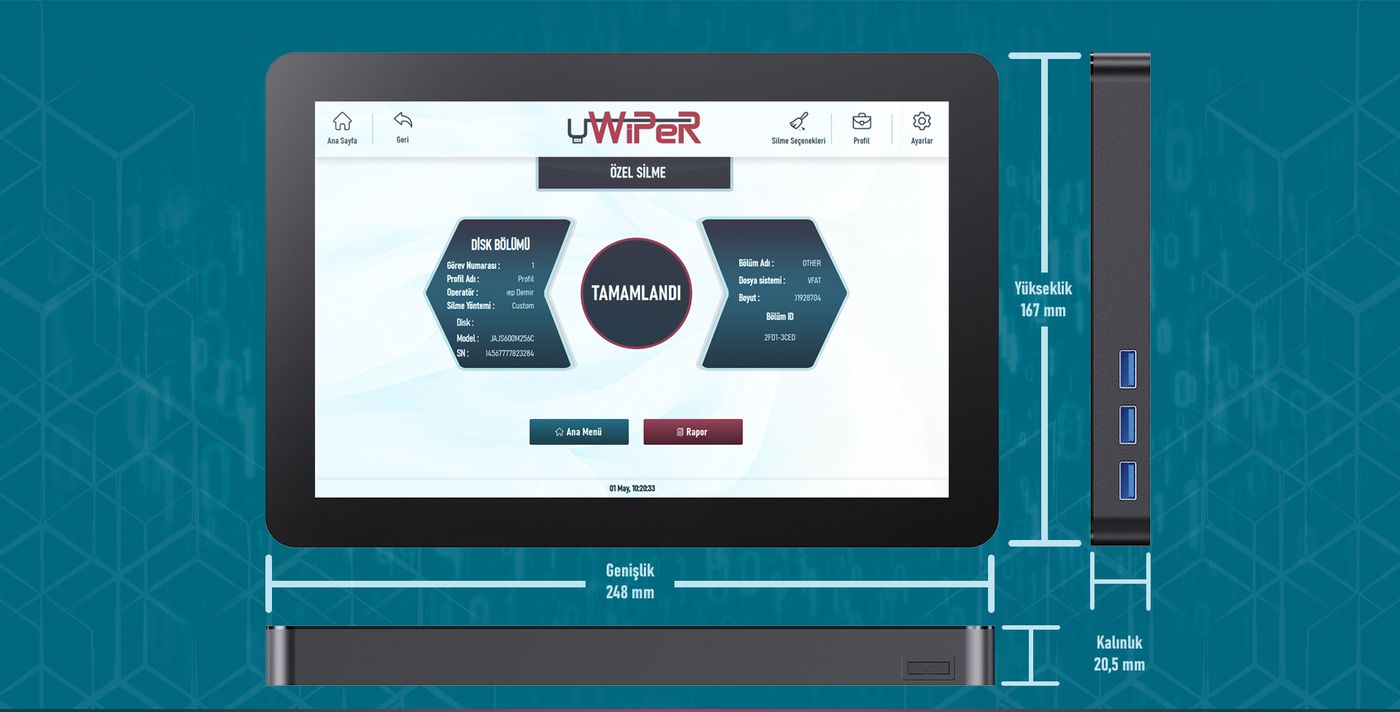
uWiPeR device seen from an angle with its portsAluminium body · fanless
Hardware

Built to travel to where the data is.

A fanless aluminium device with its own 10.1″ touchscreen. Carry it to the server room, the branch office or the client site in its case.
Screen10.1″ touchscreen
Dimensions248 × 167 × 20.5 mm
Weight850 g
BodyAluminium, fanless & silent
Interface languagesEnglish · Turkish
PowerAC 100–240 V · DC 12 V 5 A
Ports2 × USB 3.2 · 1 × USB 3.0 · 1 × SATA · Ethernet
Thermal label printersZebra GC420t · ZD220 · TLP2844

In the box

  • uWiPeR device
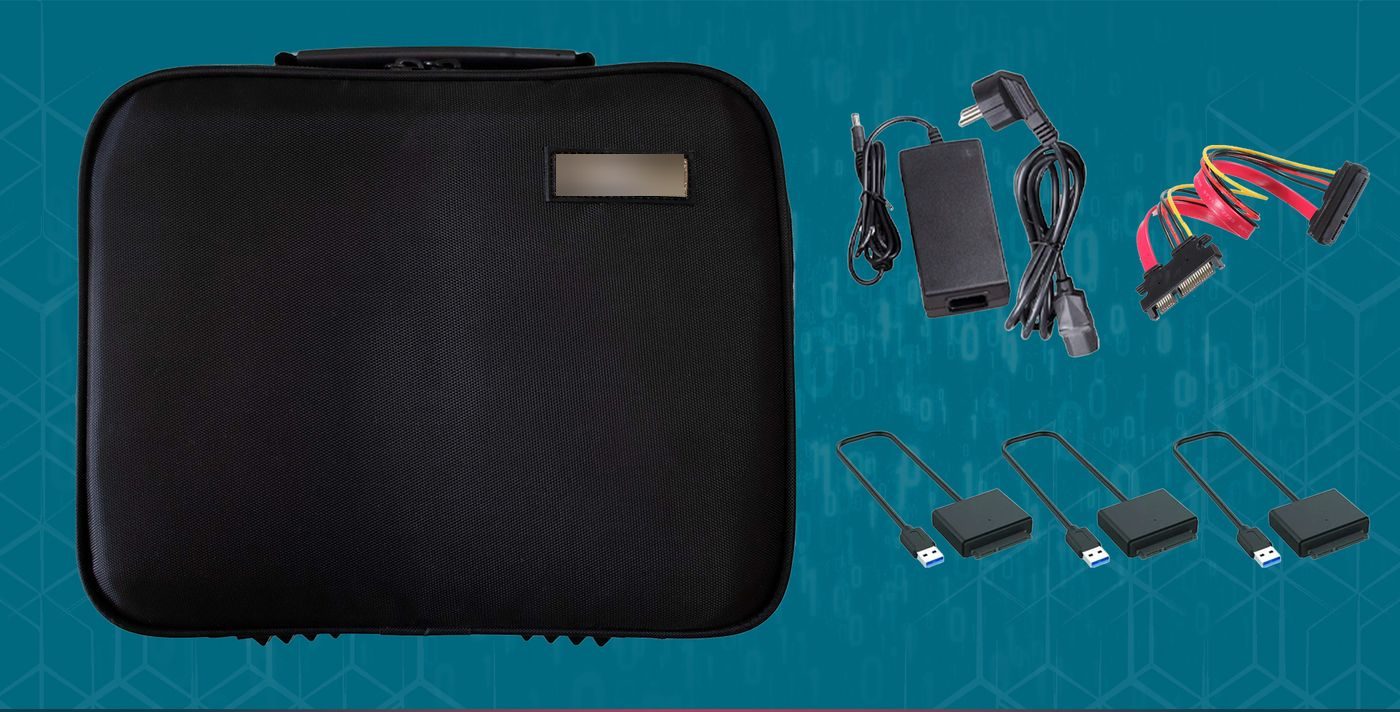
  • Carrying case
  • Power adapter and cable
  • SATA data and power cable
  • USB‑to‑SATA adapters
Carrying case, power adapter, SATA cable and USB-to-SATA adapters
Why a device

Erasure software is a tool. uWiPeR is the whole process.

Typical softwareuWiPeR
Runs on its own: no PC, no installationNoYes
Goes to the data in its own caseVariesYes
Disks and phones in the same deviceVariesYes
Mobile hardware diagnosticsVariesYes
File, folder and partition level erasureVariesYes
Report for every job, as PDF and thermal labelVariesYes
Touchscreen use without trainingVariesYes
FAQ

Questions we hear every week

What is secure data erasure?
Data that is deleted or formatted the usual way can be recovered. Secure erasure overwrites every sector of the storage device with defined patterns, so the data cannot be brought back. The pattern and the number of passes depend on the standard you choose.
How do I prove that the data was erased?
Every job ends with a report that includes the make, model, serial number and capacity of the device, the timestamp, the standard used, the erasure status and the verification result. You can export it as PDF over USB and print a thermal label for the device.
Can I use the drive again after erasure?
Yes. Overwriting does not damage the drive, so erased disks, USB drives and phones can be reused, donated or resold, with the report as proof that they left clean.
Which phones can uWiPeR erase?
Android and iOS phones. Several phones can be erased side by side, and the device warns you before starting if a phone is still linked to an account, has a low battery or needs authorisation. uWiPeR can also test the phone's touchscreen, cameras, microphone and sensors and add the results to the report.
Which standards are supported?
NIST SP 800‑88 Clear, US DoD 5220.22‑M, NATO, British HMG IS5 Baseline and Enhanced, CSEC ITSG‑06, NAVSO P‑5239‑26, GOST R 50739‑95, Air Force SSI 5020, NSA 130‑1 and OPNAVINST 5239.1A. You can also define your own pattern, number of passes and verification.
Do I need a computer or an internet connection?
No. uWiPeR is a standalone device with its own touchscreen. If you connect Ethernet, it takes an IP address over DHCP and sets its clock over NTP, so report timestamps stay accurate.
How is uWiPeR licensed?
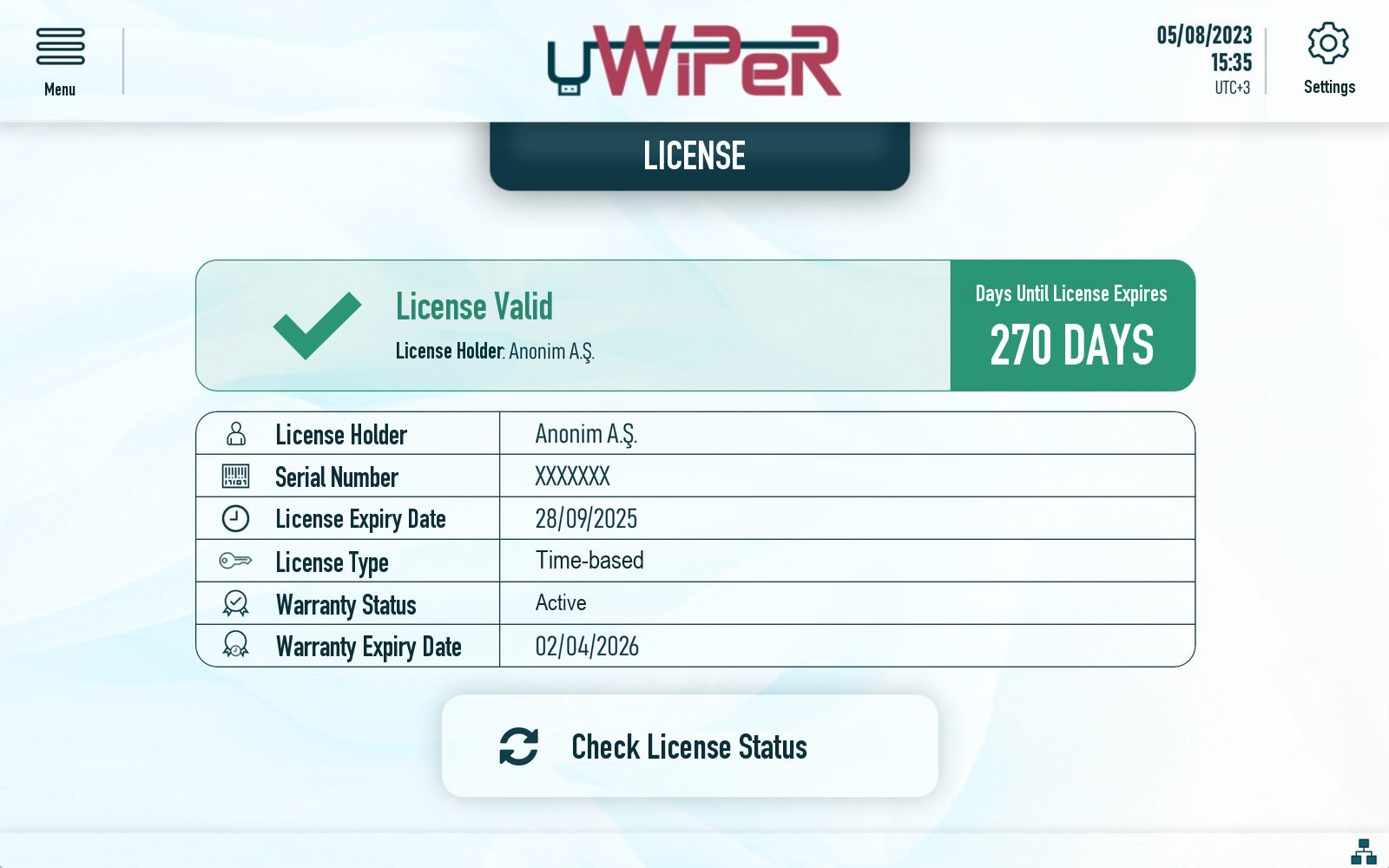
uWiPeR can be licensed for a period of time or with credits. Licence status, serial number and warranty are shown on the device. Contact us for the option that suits your volume.
Contact

Erase it. Verify it. Report it.

Tell us how many disks and phones you retire each month and which rules you answer to. We will show you uWiPeR in action.